import { CodeBlock } from '../views/docs/CodeBlock';
import { Callout, NextLink, Prose, PropTable } from '../views/docs/prose';
## Twilio Programmable Voice (TwiML)
Looking for Twilio Elastic SIP? Check out our [guide here](./twilio-elastic-sip).
If you already use Twilio Programmable Voice / TwiML, you can transfer to a Guava agent at any time during your call.
1. Create a Guava SIP code "guavasip-xxx" [on the Guava dashboard](https://app.goguava.ai/dashboard/sip).
2. Attach an agent to the SIP code.
3. Use the following TwiML template to transfer to your agent.
sip:guavasip-xxx@sip.goguava.ai
`}
/>
Below is a more detailed guide.
### Create a Guava SIP code
Every SIP integration in Guava requires a `guavasip` code. `guavasip` codes are used to route inbound calls to agents — agents can listen to codes and peers dial them.
Open the [SIP page in the Guava dashboard](https://app.goguava.ai/dashboard/sip) and click **Create SIP Code**.
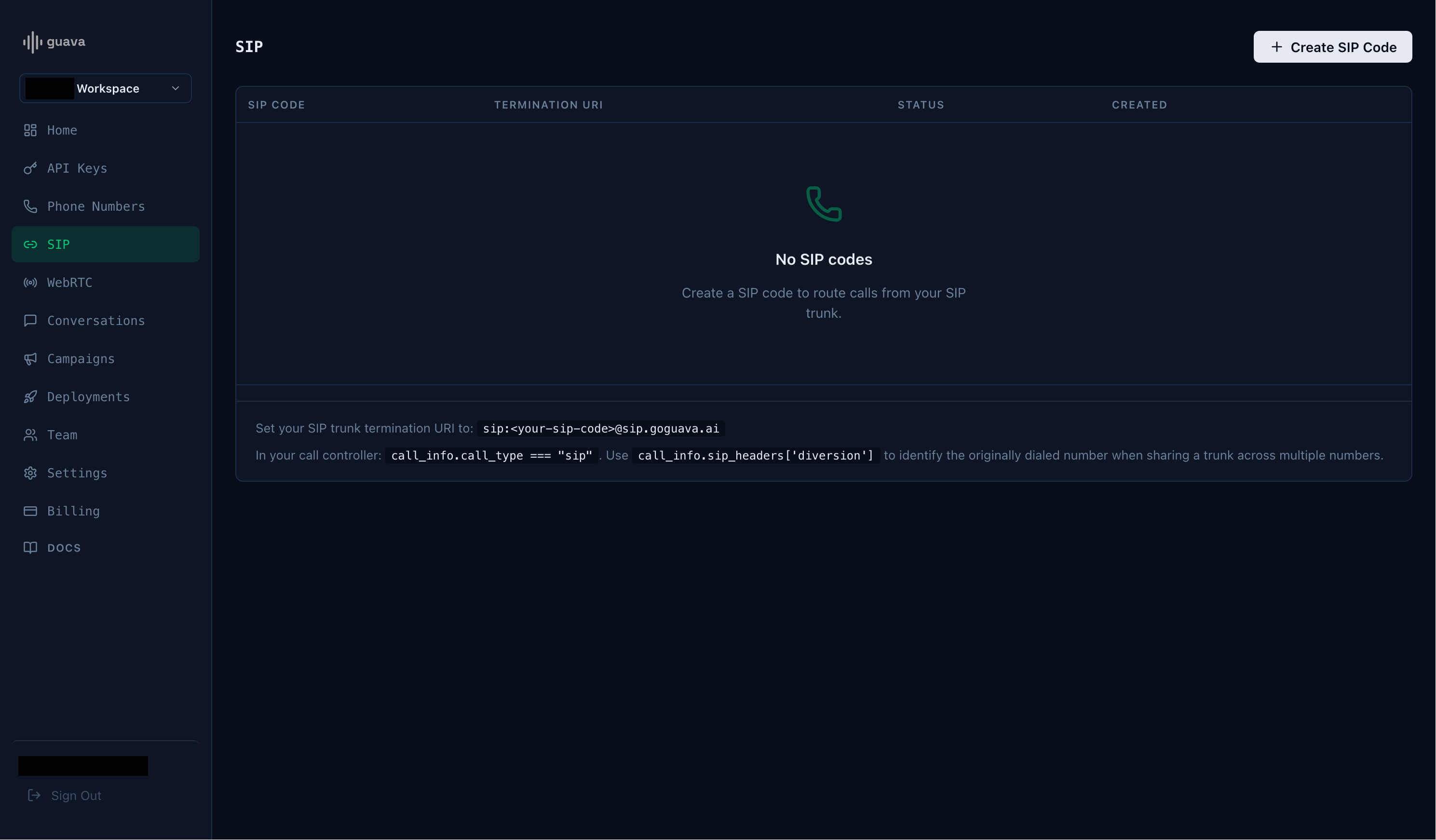
Take note of the SIP code and the termination URI.
### Start an agent
Next, start an agent using `agent.listen_sip("guavasip-xxx")` — Guava forwards every call addressed to that code to your agent.
### Twilio Example: Outbound Call
Initiate an outbound call through Twilio, then use a `Dial` command to transfer the call to your Guava agent using the termination URI.