Twilio Programmable Voice (TwiML)
Looking for Twilio Elastic SIP? Check out our guide here.
If you already use Twilio Programmable Voice / TwiML, you can transfer to a Guava agent at any time during your call.
- Create a Guava SIP code "guavasip-xxx" on the Guava dashboard.
- Attach an agent to the SIP code.
- Use the following TwiML template to transfer to your agent.
<Response>
  <Dial>
    <Sip>sip:guavasip-xxx@sip.goguava.ai</Sip>
  </Dial>
</Response>
Below is a more detailed guide.
Create a Guava SIP code
Every SIP integration in Guava requires a guavasip code. guavasip codes are used to route inbound calls to agents — agents can listen to codes and peers dial them.
Open the SIP page in the Guava dashboard and click Create SIP Code.
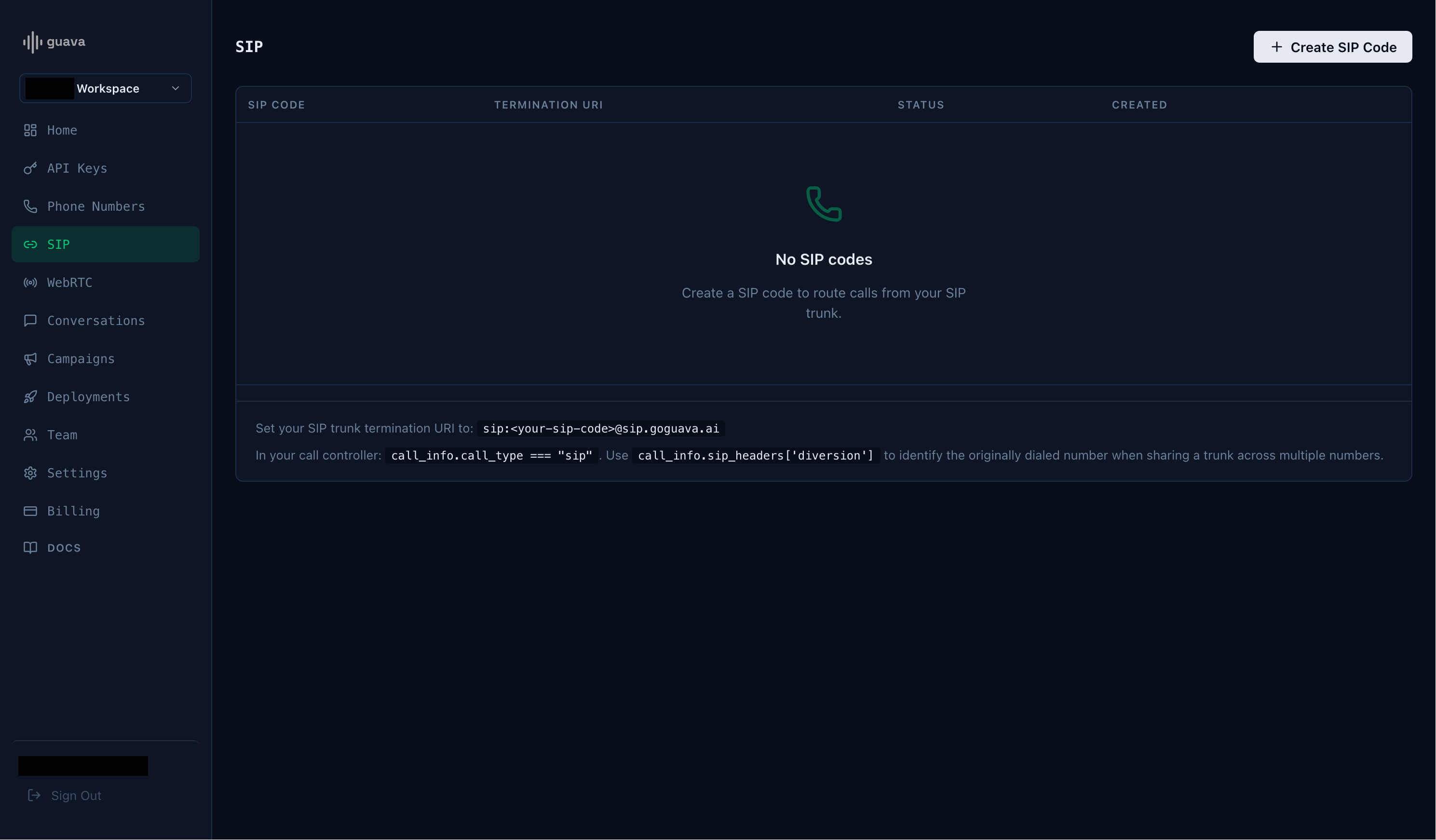
Take note of the SIP code and the termination URI.
Start an agent
Next, start an agent using agent.listen_sip("guavasip-xxx") — Guava forwards every call addressed to that code to your agent.
main.py
import os
import guava

agent = guava.Agent(
  name="Nova",
  organization="Acme Corp",
)

# Register handlers — on_call_received, on_call_start, etc.

# Replace with your SIP code from the dashboard.
agent.listen_sip("guavasip-xxx")
Twilio Example: Outbound Call
Initiate an outbound call through Twilio, then use a Dial command to transfer the call to your Guava agent using the termination URI.
twilio_outbound.py
import os
from twilio.rest import Client

client = Client(
  os.environ["TWILIO_ACCOUNT_SID"],
  os.environ["TWILIO_AUTH_TOKEN"]
)

client.calls.create(
  to="+1...", # The recipient of the call.
  from_="+1...", # Your owned Twilio number.
  twiml="<Response><Dial><Sip>sip:guavasip-xxx@sip.goguava.ai</Sip></Dial></Response>",
)Questions? hi@goguava.ai
<Response>
  <Dial>
    <Sip>sip:guavasip-xxx@sip.goguava.ai</Sip>
  </Dial>
</Response>
import os
import guava
agent = guava.Agent(
name="Nova",
organization="Acme Corp",
)
# Register handlers — on_call_received, on_call_start, etc.
# Replace with your SIP code from the dashboard.
agent.listen_sip("guavasip-xxx")import os
from twilio.rest import Client
client = Client(
os.environ["TWILIO_ACCOUNT_SID"],
os.environ["TWILIO_AUTH_TOKEN"]
)
client.calls.create(
to="+1...", # The recipient of the call.
from_="+1...", # Your owned Twilio number.
twiml="<Response><Dial><Sip>sip:guavasip-xxx@sip.goguava.ai</Sip></Dial></Response>",
)